Design Smarter with Canva Pro – Unlock Premium Creativity for Your Brand
Get access to premium templates, brand kits, background remover, magic resize, team collaboration, and thousands of pro assets to create stunning designs faster than ever.
What is Canva Pro?
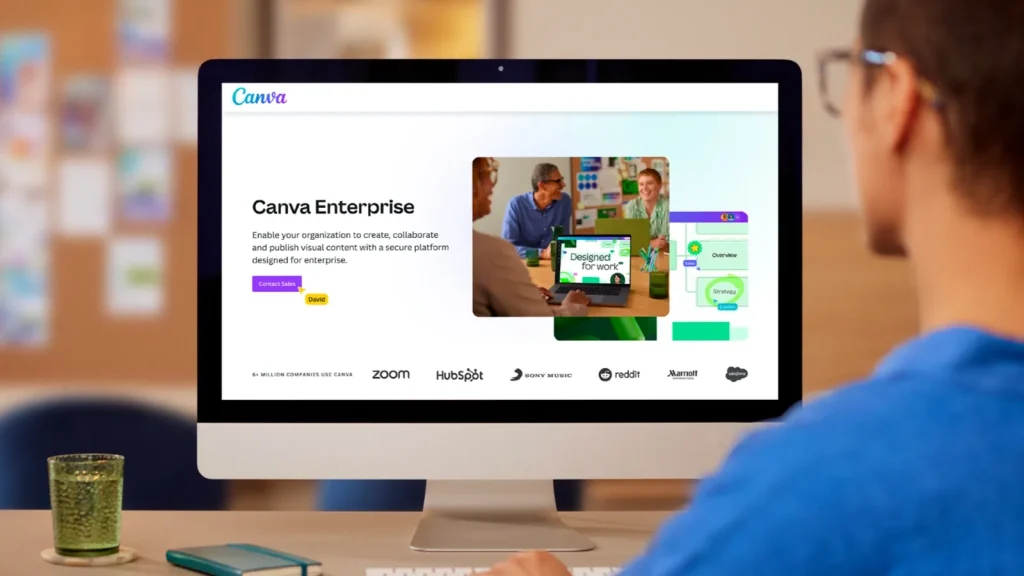
Canva Pro is the premium version of Canva’s graphic design platform that gives users advanced design tools, premium templates, AI-powered features, and brand management capabilities for creating professional-quality content quickly.
It is widely used by:
- Digital marketers
- Social media managers
- Agencies
- Business owners
- Freelancers
- Students & educators
Canva positions Pro as an all-in-one design and content creation platform for individuals and businesses.
Why Upgrade to Canva Pro?
1. Access 100M+ Premium Assets
Unlock millions of stock photos, videos, graphics, icons, and premium templates.
2. One-Click Background Remover
Remove image backgrounds instantly and create professional product creatives in seconds.
3. Brand Kit Management
Keep your brand consistent with saved fonts, logos, and brand colors.
4. Magic Resize Tool
Resize any design for Instagram, Facebook, LinkedIn, YouTube, Ads, and more with one click.
5. Content Planner & Scheduler
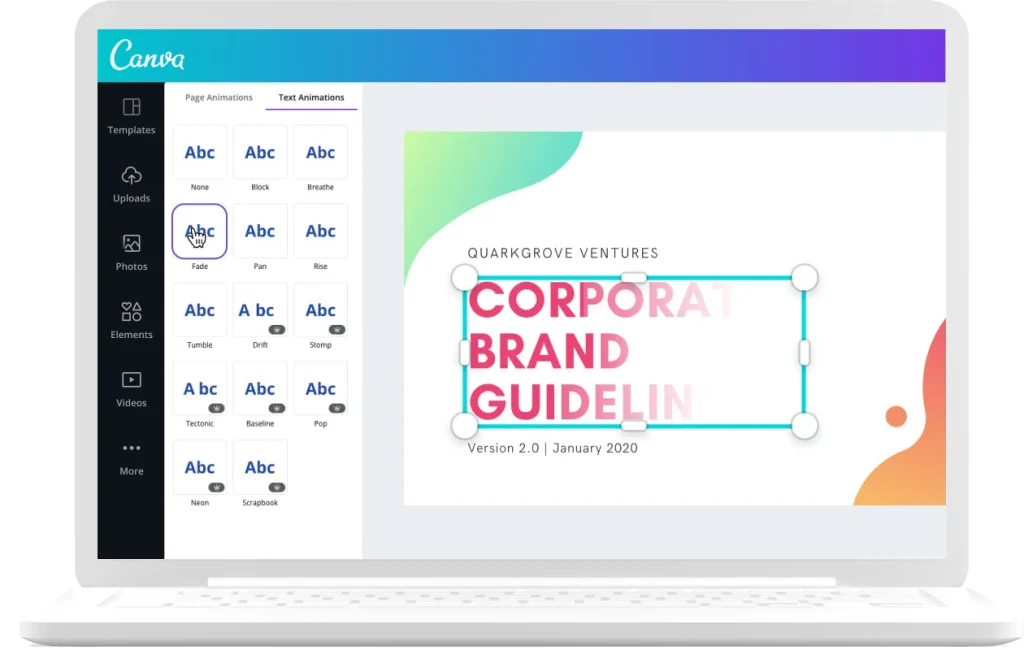
Plan, create, and schedule your social media posts directly from Canva.
6. Team Collaboration
Work with your team in real time and manage approvals effortlessly.
Features
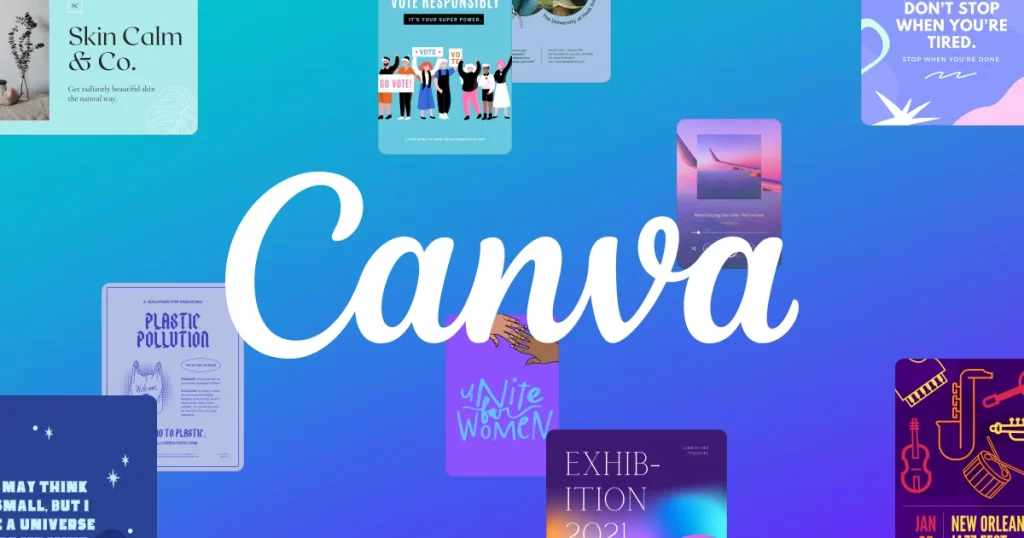
Premium Templates & Design Assets
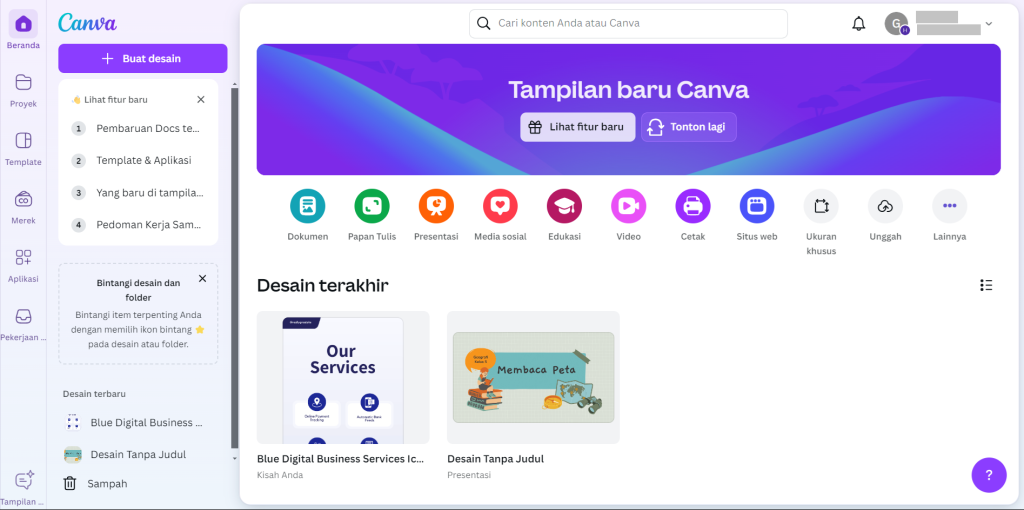
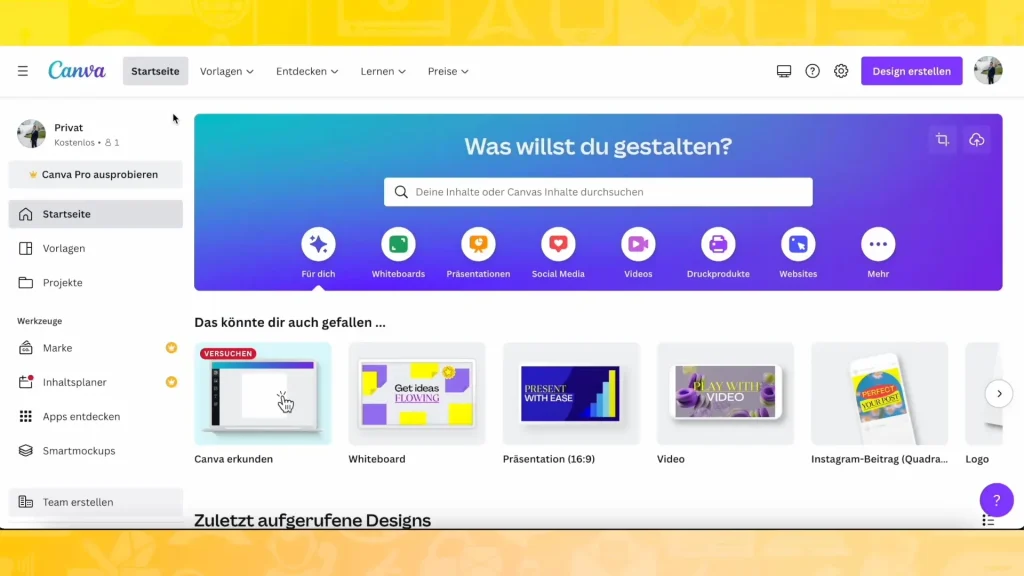
Get access to millions of premium design resources including professionally designed templates, stock photos, videos, icons, illustrations, fonts, and audio tracks. Whether you’re creating social media posts, ads, presentations, or business materials, Canva Pro gives you everything needed to design high-quality content quickly.
Brand Kit Management
Keep your brand consistent across every design by storing your:
- Brand Colors
- Custom Fonts
- Logos
- Brand Templates
Apply your complete branding instantly to any design with one click.
Background Remover
Remove backgrounds from images instantly with AI-powered editing. Perfect for:
- Product Photography
- Ad Creatives
- Professional Headshots
- E-commerce Graphics
No need for advanced editing software.
Magic Resize
Create one design and resize it for multiple platforms instantly. Convert your design into formats for:
- Instagram Posts
- Stories
- Facebook Ads
- LinkedIn Banners
- YouTube Thumbnails
- Presentations
This saves hours of manual redesign work.
High-Quality Export Options
Download designs in multiple professional formats:
- PNG
- JPG
- PDF Standard
- PDF Print
- Transparent PNG
- MP4 / GIF for Animations
Benefits
Save Time on Design Work
Create professional designs in minutes using ready-made templates.
Maintain Brand Consistency
Ensure every design follows your brand guidelines.
Increase Productivity
Collaborate with your team and automate repetitive design tasks.
Boost Marketing Performance
Design high-converting creatives for ads, websites, and social media.
Pricing
Simple, Affordable Pricing for Powerful Design Tools
Choose the plan that fits your creative and business needs. Unlock premium design features, AI tools, and brand management—all in one subscription.
Canva Free
Best for Beginners & Casual Users
Price: Free Forever
Includes:
- Access to free templates
- Basic design tools
- Limited stock photos & elements
- 5 GB cloud storage
- Basic collaboration features
Canva Pro
Best for Professionals, Freelancers & Businesses
Price: Monthly/Annual subscription
Includes:
- 100M+ Premium Assets
- Brand Kit
- Background Remover
- Magic Resize
- 25+ AI Tools
- Content Planner
Canva Teams / Business
Best for Growing Teams & Agencies
Price: Custom / Per-Seat Pricing
Includes:
- Shared Brand Management
- Team Templates
- Approval Workflows
- Advanced Collaboration Tools
- Permission Controls
- Centralized Asset Management
Faq
1. What is Canva Pro?
Canva Pro is the premium version of Canva that provides advanced design tools, premium templates, AI-powered features, brand management tools, and access to millions of premium assets for professional content creation.
2. Is Canva Pro worth it for businesses?
Yes. Canva Pro helps businesses create high-quality marketing materials faster, maintain brand consistency, and reduce the need for multiple design tools or outsourced designers.
3. Can I use Canva Pro for my team?
Yes. Canva Pro supports collaboration, and Canva Teams offers additional workflow and permission features for larger organizations.
4. Does Canva Pro include AI tools?
Yes. Canva Pro includes AI-powered tools such as Magic Write, Magic Edit, Magic Eraser, Magic Expand, and other smart design assistants.
5. Can I cancel Canva Pro anytime?
Yes. Subscription management and cancellation are available according to Canva’s billing terms and policies.
6. What is the difference between Canva Free and Canva Pro?
Canva Pro includes premium templates, brand kit, background remover, magic resize, AI tools, expanded storage, and access to premium assets not available in the free plan.
7. Is there a free trial for Canva Pro?
Canva often offers free trial promotions for eligible users. Availability may vary by region and promotion period.
8. How does Canva Pro help with social media marketing?
Canva Pro helps users design, resize, schedule, and publish social media content efficiently while maintaining professional branding.